Zotero plugin
Use Ai4Scholar paper search and import capabilities in the Zotero reference manager
Overview
Zotero is a reference manager widely used in research. Ai4Scholar provides a Zotero plugin that lets you search Semantic Scholar papers within Zotero and import results into your library. The plugin page lists the currently available features and versions.
Installation
See the Zotero integration page for installation and current support information.
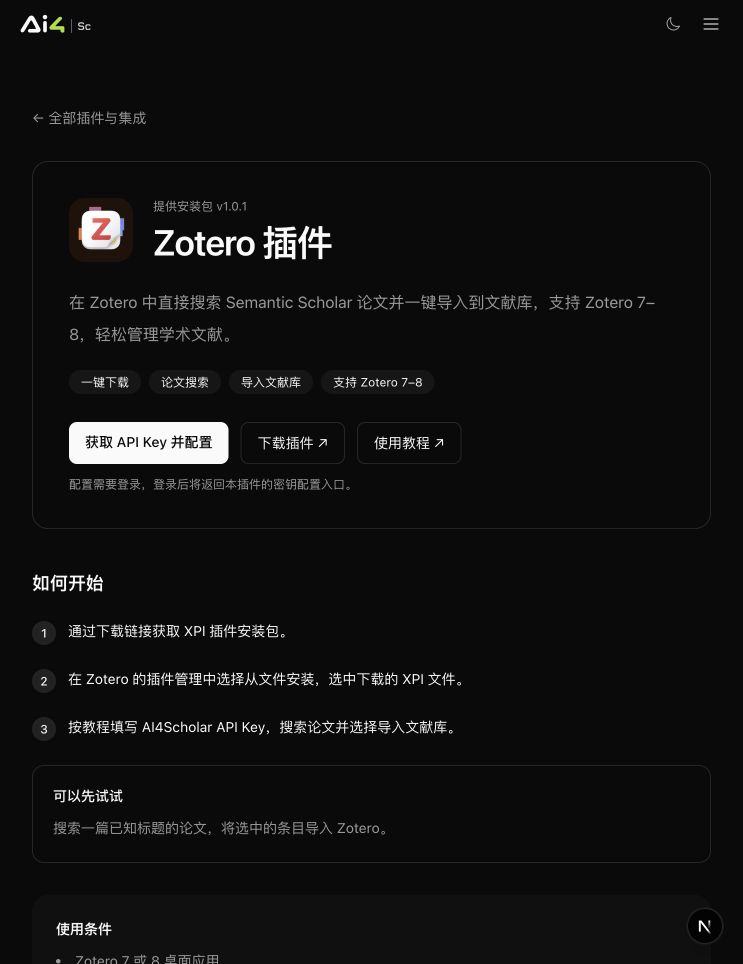
Steps
- Download the latest
.xpiplugin file - In Zotero, open Tools → Add-ons
- Click the gear icon in the upper right → Install Add-on From File... and select the downloaded
.xpi - Restart Zotero
- Enter your Ai4Scholar API key in the plugin settings (get one in the Open Platform)
Core features
Search Ai4Scholar data sources directly
Select "Ai4Scholar" as the data source in Zotero's search box, enter keywords, review the results, and add selected entries to your Zotero library.
Check the current plugin release notes to see whether extended features such as sending content to the writing editor or AI summaries are available.
Billing
The plugin calls Ai4Scholar services through an API key, consumes account credits according to endpoint rules, and is subject to the key's spending limit. Current public pricing centers on permanent credit packs; legacy monthly membership credits continue to follow the account's existing rules. Web-only free allowances do not imply free plugin or API usage. See Credits and plans for billing rules.
FAQ
Which Zotero versions are supported? The integration page currently lists Zotero 7–8. Before installing, check the latest compatibility information on the plugin download page.
Is the plugin open source? Yes. The code is in the standalone ai4scholar-zotero repository. Issues and pull requests are welcome.
How does it relate to the Open API? The plugin is a Zotero client wrapper around the API. If you want to build your own client for VS Code, Obsidian, or another application, integrate directly with the Open API.